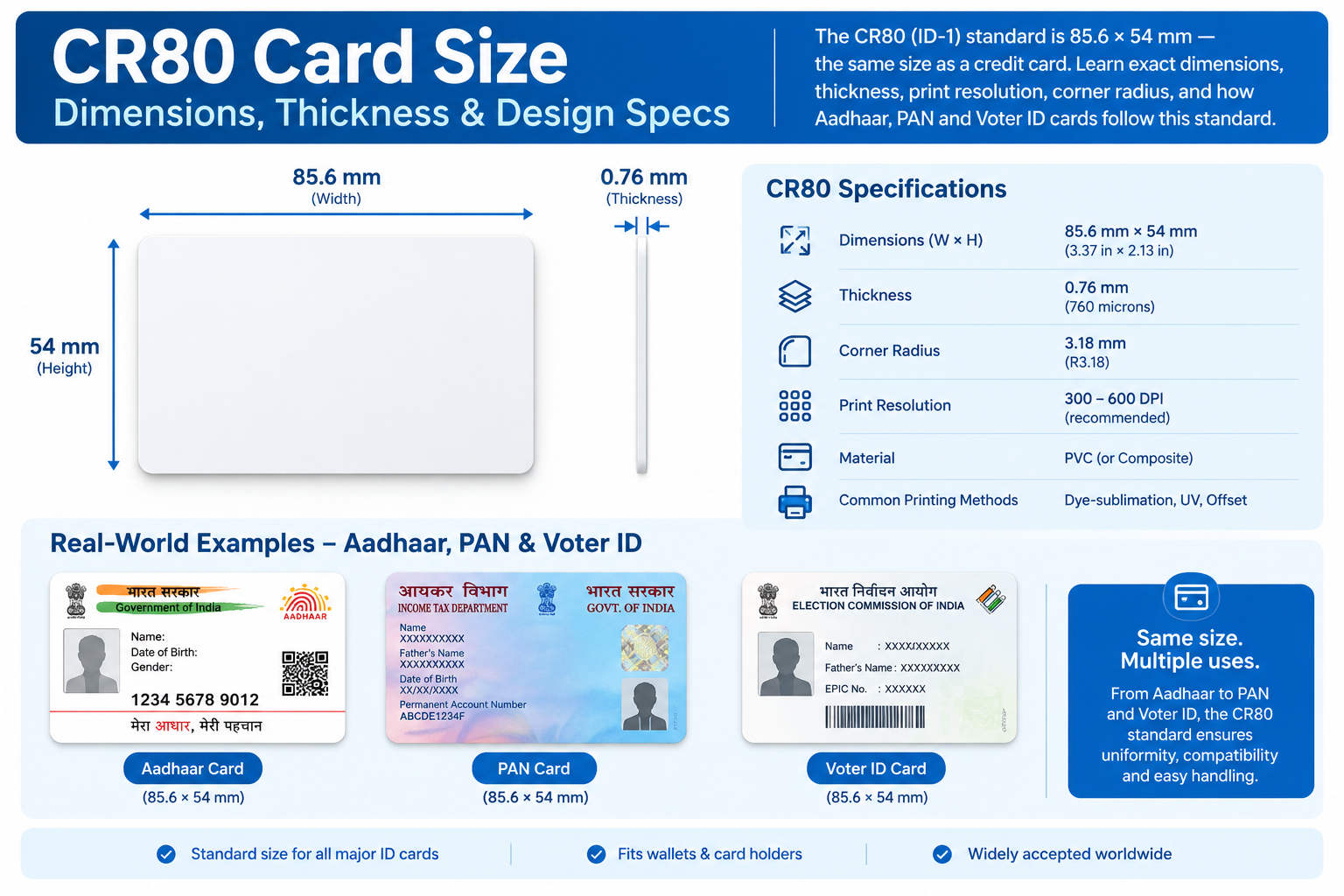
Employee ID cards are no longer just a formality. They're a security tool, a compliance requirement, and a professional statement about your organization. Whether you're a corporate office, school, hospital, or factory, issuing ID cards that meet recognized standards protects your people and your premises.
In this guide, we'll cover why professional ID cards matter, what design elements make them secure, which materials to choose, and whether to print in-house or outsource.
Why Organizations Need Professional ID Cards
Employee ID cards serve three critical functions:
1. Security
They control who enters your premises, restrict access to sensitive areas, and help staff identify authorized personnel instantly.
2. Compliance
Many industries — healthcare, education, government contracting, manufacturing — require photo identification for staff. Regulators expect it. Auditors check for it.
3. Professionalism
A well-designed ID card builds trust with visitors, clients, and new employees. A flimsy paper badge does the opposite.
For organizations issuing cards at scale, professional-grade cards are not optional — they're infrastructure.
Design Elements That Mirror Government ID Security Features
You don't need government-level security, but you should borrow the same design principles. Here's what to include:
Holograms
A holographic overlay is the single most effective anti-counterfeiting feature. It's difficult to replicate and easy to verify visually. Even a simple custom hologram with your logo adds a strong layer of protection.
Barcodes and QR Codes
These let you scan and verify an employee's identity, track attendance, or link to a digital record. QR codes are especially useful for visitor management systems.
UV Printing
Ultraviolet ink is invisible under normal light but glows under a UV lamp. It's a discreet security feature used on government IDs and increasingly on corporate badges.
Microtext
Tiny text — often a repeating company name or ID number — that's nearly impossible to photocopy accurately. It's a subtle but powerful security addition.
Ghost Images
A faint secondary photo of the cardholder printed behind the main image. Hard to forge, easy to verify.
You don't need all of these. But adding at least two — typically a hologram plus a barcode or QR code — puts your cards in a different category from basic printed badges.
PVC Card Materials vs. Paper Alternatives
This is where most organizations cut corners — and regret it.
| Feature | Paper Cards | PVC Cards |
|---|---|---|
| Durability | Weeks to months | 3–5 years |
| Water resistance | None | Full |
| Print quality | Basic | Photo-realistic |
| Security features | Limited | Holograms, UV, barcodes |
| Cost per card | Very low | Low (in bulk) |
| Professional appearance | Poor | High |
Paper cards make sense only for one-day events or temporary visitor passes.
PVC cards are the industry standard for employee IDs, student cards, membership cards, and access control credentials.
For organizations issuing cards that need to last, PVC is the only sensible choice. Browse our full range of PVC cards and ID card solutions to see options.
How to Issue ID Cards: In-House vs. Outsourced
Both approaches work. The right choice depends on your volume, budget, and security needs.
In-House Printing
Best for: Organizations issuing cards regularly (weekly or monthly), with 50+ employees.
Requirements:
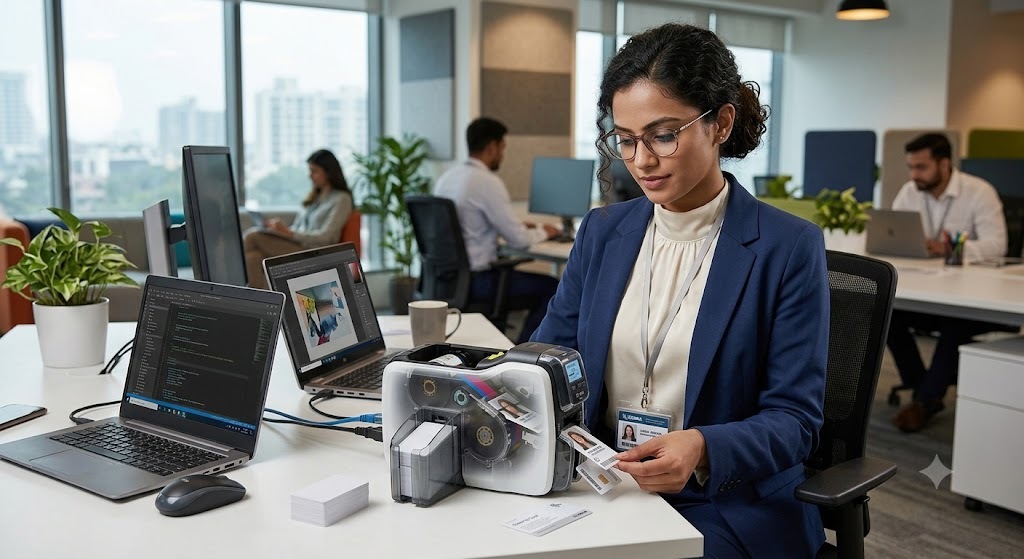
A thermal card printer (e.g., Zebra ZC300)
Blank PVC cards
Ribbons (YMCKO, YMCKOK, etc.)
Design software
Staff to manage printing
Pros:
Full control over issuance
Fast turnaround for new hires or replacements
Lower cost per card at high volume
Cons:
Higher upfront investment
Ongoing ribbon and card costs
Requires trained staff
If you're considering this route, read our guide on how thermal ID card printing works — it covers everything you need to know before buying a printer.
Outsourced Printing
Best for: Organizations with low volume, or those wanting advanced security features they can't produce in-house.
Pros:
No equipment investment
Access to holograms, UV ink, and premium finishes
Professional design support
Consistent quality
Cons:
Longer turnaround for new cards
Less control over urgent replacements
Per-card cost may be higher
For most small and mid-sized organizations, outsourcing is the smarter starting point. You get professional results without the capital expense. Contact our team to discuss bulk printing and custom security options.
Quick Checklist: What a Compliant Employee ID Card Should Include
✅ Full-color photo of the employee
✅ Full name and employee ID number
✅ Job title or department
✅ Company logo and branding
✅ Issue date (and expiry, if applicable)
✅ At least one security feature (hologram, barcode, or UV ink)
✅ Durable PVC material
✅ Optional: RFID chip for access control
If your current cards are missing more than two of these, it's time for an upgrade.
Final Thoughts
Employee ID cards are a small investment that pays off in security, compliance, and professionalism. Whether you print in-house or work with a provider, focus on three things: durable PVC material, at least one security feature, and a clean, professional design.
At Identity Cards, we supply PVC cards, thermal printers, ribbons, and custom printing services for organizations across India. Whether you need 50 cards or 50,000, we can help.
Ready to upgrade your employee ID cards?
👉 Browse Our ID Card Solutions
👉 Get a Bulk Quote
👉 Read More ID Card Guides